
Gusto
A small-business payroll and people-operations platform covering payroll, tax filing, onboarding, benefits options, and employee self-service.
Review date
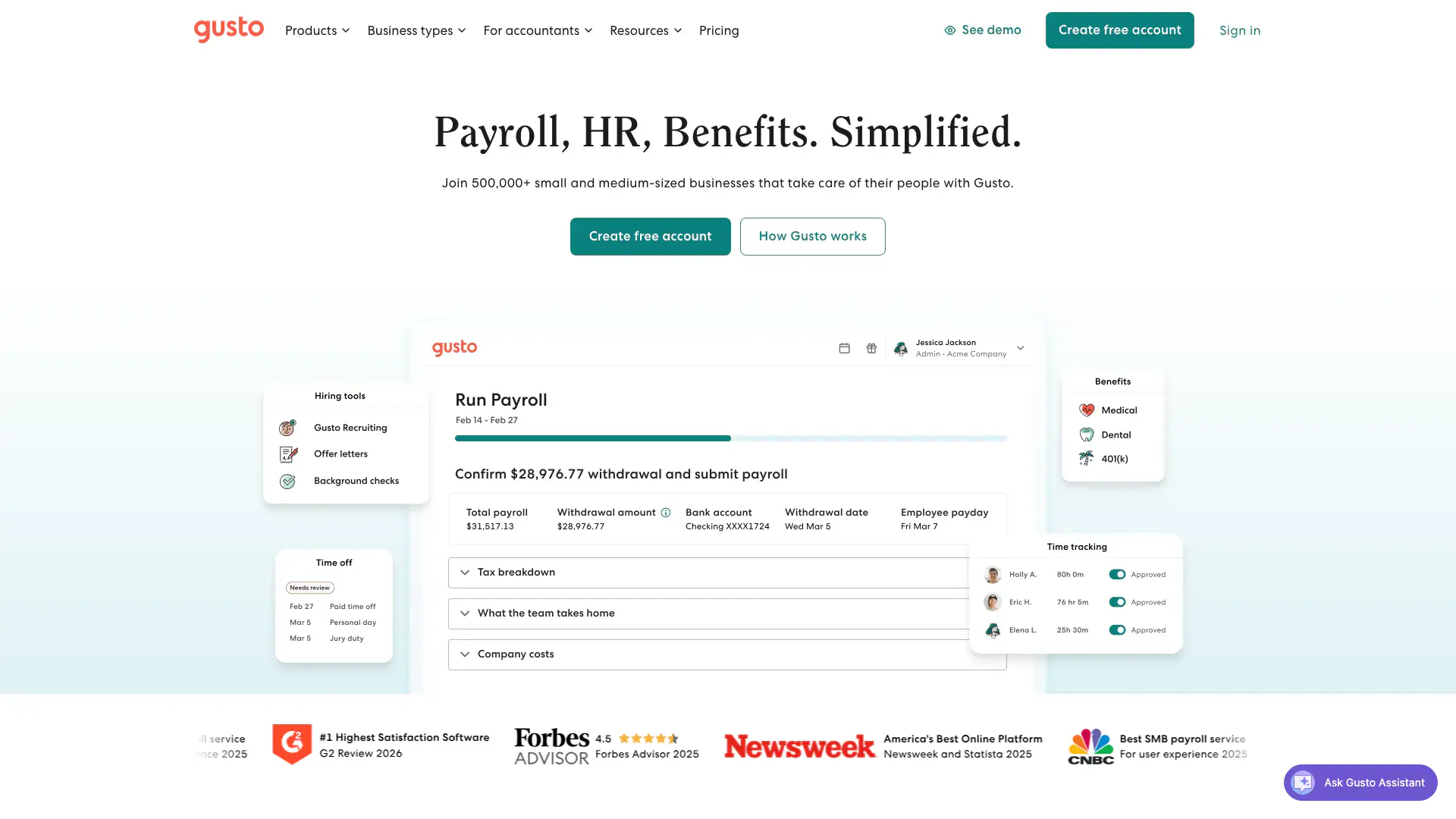
How Gusto presents the product
Gusto presents an integrated small-business system for payroll, onboarding, benefits, time tracking, and routine people administration.
- Company emphasis
- Payroll, hiring and onboarding, benefits, time and attendance, reporting, and employee self-service.
- Useful for
- Recognizing the product and preparing a focused demonstration with sample information.
- Evidence boundary
- This is first-party marketing material. It does not independently verify plan access, security, privacy, accessibility, exports, contracts, or practice fit.
Evidence / source sheet
Current evidence snapshot
Public vendor material and linked outside-review context last checked on .
$49
Simple base / month$79+
five people on Simple before add-ons4.6/5 · 9,800+ reviews
G2Documentation reviewed
Trial + contract checks remainEvidence boundary
Reviewed does not mean hands-on approved.
Vendor documentation and outside reviews are starting evidence—not security approval, compliance certification, or a purchase recommendation.
Practice fit
Where it may fit—and where to slow down.
Reasons to shortlist
- Transparent base and per-person public pricing
- Payroll and onboarding in one employee experience
- Large independent-review sample
Questions to pressure-test
- Support experience is a recurring mixed review theme
- Correcting payroll and changing providers are high-stakes workflows
- Benefits, multi-state work, time tracking, and add-ons increase cost
Security and administration
Turn claims into trial tasks.
Use sample information—not real client or staff details—when testing the product. Ask the vendor to demonstrate the exact plan and contract you are considering.
MFA
Trial checkTest owner, payroll administrator, manager, accountant, and employee access.
Roles & permissions
Trial checkCompare owner, clinician, administrator, biller, supervisor, and departing-user access in the exact plan.
Data exports
Trial checkConfirm payroll registers, tax records, employee documents, reports, and termination exports.
Account deletion
Contract checkConfirm termination, retention, deletion timing, subprocessor copies, and access after closure in writing.
Backup / restore
Contract checkAsk how payroll errors, reversals, corrections, and historical recovery are handled.
Accessibility
Trial checkTest onboarding, payroll approval, pay stubs, time-off, and employee mobile tasks.
Administrative controls
Trial checkTest configuration ownership, audit history, role changes, support escalation, and offboarding.
DocumentedSupported by current first-party material.
Trial checkObserve it in an authorized trial using sample information.
Contract checkConfirm it in the exact agreement or BAA.
Pricing and reviews
Price the practice you actually run.
Start with the published price, then add the people, features, support, and services your practice would actually use.
Simple $49/month + $6/person; Plus $80 + $12/person; Premium $180 + $22/person
Benefits, time and attendance, HR resources, priority support, and other add-ons can change the total. Multi-state needs may change the plan.Independent review starting points
G24.6/5 · 9,800+ reviews↗CapterraRead current payroll reviews↗Use ratings as context, not a ranking. Read recent positive, critical, and role-relevant reviews.
Contract and demo record
Five questions worth getting in writing.
- Which features, roles, storage, usage, support, and security controls are included in this exact plan?
- What can we export without vendor help, in which formats, and what would be missing?
- How are backups tested, and how would we request a restore after an error or incident?
- What happens to our data, subprocessor copies, and account access after termination?
- Which accessibility standards and test results cover owner, staff, and client workflows?