
QuickBooks Online
Mainstream small-business accounting with bank feeds, categorization, reporting, invoicing, and broad accountant familiarity.
Review date
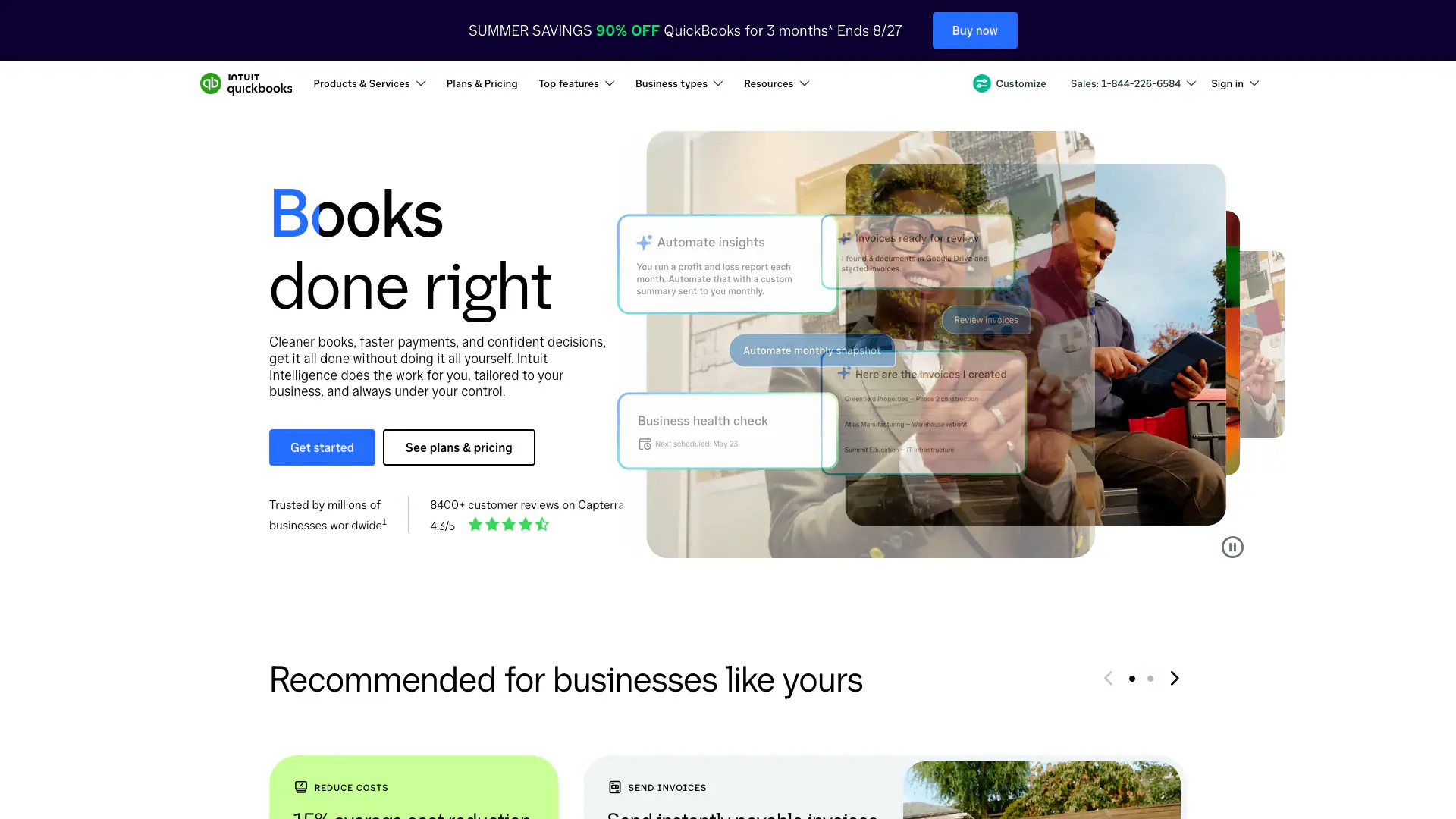
How QuickBooks Online presents the product
Intuit presents QuickBooks Online as a connected system for organizing small-business bookkeeping and financial administration.
- Company emphasis
- Transactions, invoices, expenses, reports, accountant collaboration, payments, and optional payroll.
- Useful for
- Recognizing the product and preparing a focused demonstration with sample information.
- Evidence boundary
- This is first-party marketing material. It does not independently verify plan access, security, privacy, accessibility, exports, contracts, or practice fit.
Evidence / source sheet
Current evidence snapshot
Public vendor material and linked outside-review context last checked on .
$38
Simple Start / month before promotion$85+
Essentials before payroll or payments4.0/5 · 3,805 reviews
G2Documentation reviewed
Trial + contract checks remainEvidence boundary
Reviewed does not mean hands-on approved.
Vendor documentation and outside reviews are starting evidence—not security approval, compliance certification, or a purchase recommendation.
Practice fit
Where it may fit—and where to slow down.
Reasons to shortlist
- Broad accountant and bookkeeper familiarity
- Bank feeds and standard small-business reports
- Large integration ecosystem
Questions to pressure-test
- Keep clinical detail and unnecessary PHI out of accounting records
- Promotional pricing can obscure ongoing cost
- Define owner, bookkeeper, accountant, and bill-pay permissions
Security and administration
Turn claims into trial tasks.
Use sample information—not real client or staff details—when testing the product. Ask the vendor to demonstrate the exact plan and contract you are considering.
MFA
Trial checkTest owner, standard user, reports-only, accountant, and bill-pay access.
Roles & permissions
Trial checkCompare owner, clinician, administrator, biller, supervisor, and departing-user access in the exact plan.
Data exports
Trial checkConfirm reports, ledgers, attachments, audit history, and account-close exports.
Account deletion
Contract checkConfirm termination, retention, deletion timing, subprocessor copies, and access after closure in writing.
Backup / restore
Contract checkUnderstand rollback and backup limits before relying on them.
Accessibility
Trial checkTest reconciliation, reports, receipt capture, and error correction.
Administrative controls
Trial checkTest configuration ownership, audit history, role changes, support escalation, and offboarding.
DocumentedSupported by current first-party material.
Trial checkObserve it in an authorized trial using sample information.
Contract checkConfirm it in the exact agreement or BAA.
Pricing and reviews
Price the practice you actually run.
Start with the published price, then add the people, features, support, and services your practice would actually use.
Simple Start $38, Essentials $85, Plus $140, or Advanced $340/month before promotions
Promotions expire; payroll, payments, Bill Pay usage, extra users, and add-ons are separate. Renewal pricing changed August 2026.Independent review starting points
G24.0/5 · 3,805 reviews↗Software Advice4.3/5 · current reviews↗Use ratings as context, not a ranking. Read recent positive, critical, and role-relevant reviews.
Contract and demo record
Five questions worth getting in writing.
- Which features, roles, storage, usage, support, and security controls are included in this exact plan?
- What can we export without vendor help, in which formats, and what would be missing?
- How are backups tested, and how would we request a restore after an error or incident?
- What happens to our data, subprocessor copies, and account access after termination?
- Which accessibility standards and test results cover owner, staff, and client workflows?